Case Study
Emergency Management Product Suite
UX Cabin designed and developed an emergency management product suite that was available as a web and mobile app.
Overview
UX Cabin helped Navigate360 redesign and replatform their web and mobile Emergency Management Suite product.
Background
Navigate360 is one of the largest school safety software providers in the U.S. They were the result of a recent merger between several of the leading players in the space and brought in UX Cabin to help them redesign their entire Emergency Management Suite.
Objectives
- Replatform their existing products to a new platform
- Implement a cohesive design system across this (and many other) products
Strategy
- Understand the priority of existing feature set across platforms
- Get in the head of the actual user of the product to understand the Jobs-to-be-done
- Build out a prototype and show it to them to see if we could make their lives easier
- Develop this in a React Native mobile, and React web environment
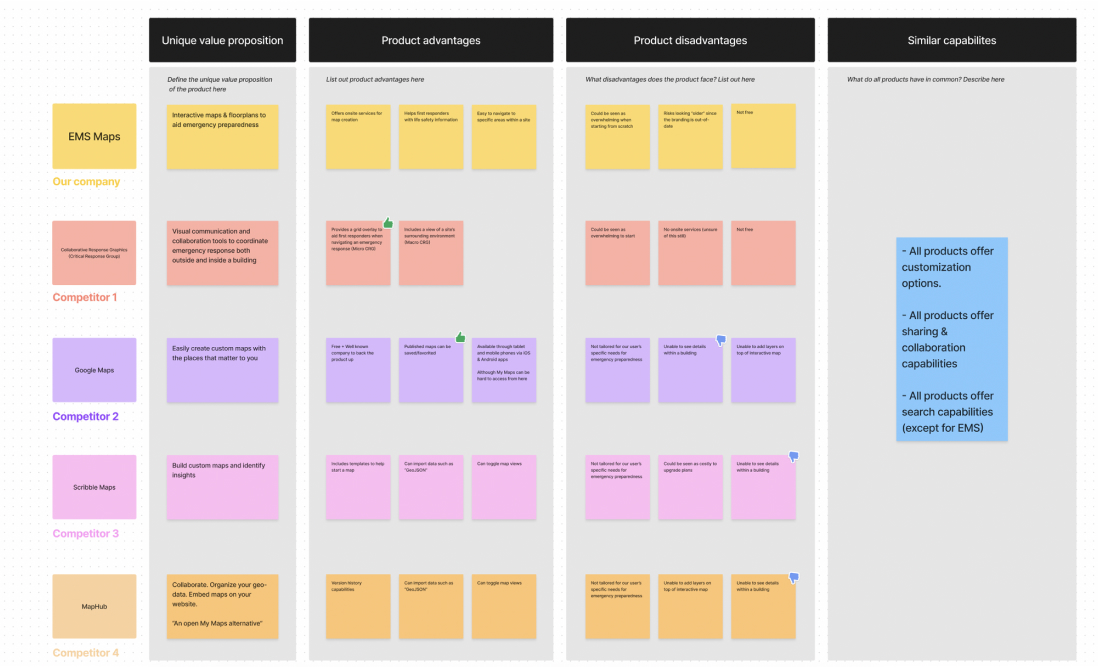
Competitor Research
Existing emergency management solutions are outdated, require a lot of manual entry, and had difficulty integrating with other software schools relied on.
Takeaways
- The UI/UX on these applications is typically an afterthought
- Reporting and staying in compliance with state requirements is paramount
Opportunities
- Integration with other platforms outside of solely visitor management
- All existing providers have very out of date design and poor UX
- Simplify pricing
- Minimize hardware needs
User Research
The EMS platform was outdated and we needed to decide if we should rebuild both the mobile and desktop app simultaneously. We did the following exercises to find out what was most important for users and how to successfully rebuild them.
Feature Prioritization Survey
We put together a holistic survey that included the feature set placed into a KANO model. Our "Respond" feature was the top feature for the mobile experience whereas "SafetyPlans" came out on top for our Desktop experience.
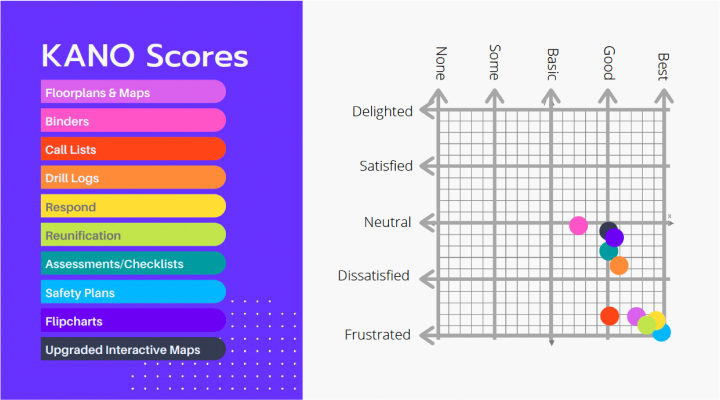
In addition to learning about which features users wanted and on which device, we also learned which needed the most love from the same survey. "Safety Plans" were the most requested but also were found to need the most work to be useful. "Maps", "Respond", and "Reunification" became fast follows. This made prioritization clear as Respond on mobile became our top priority to get right as our core feature on the first iteration.
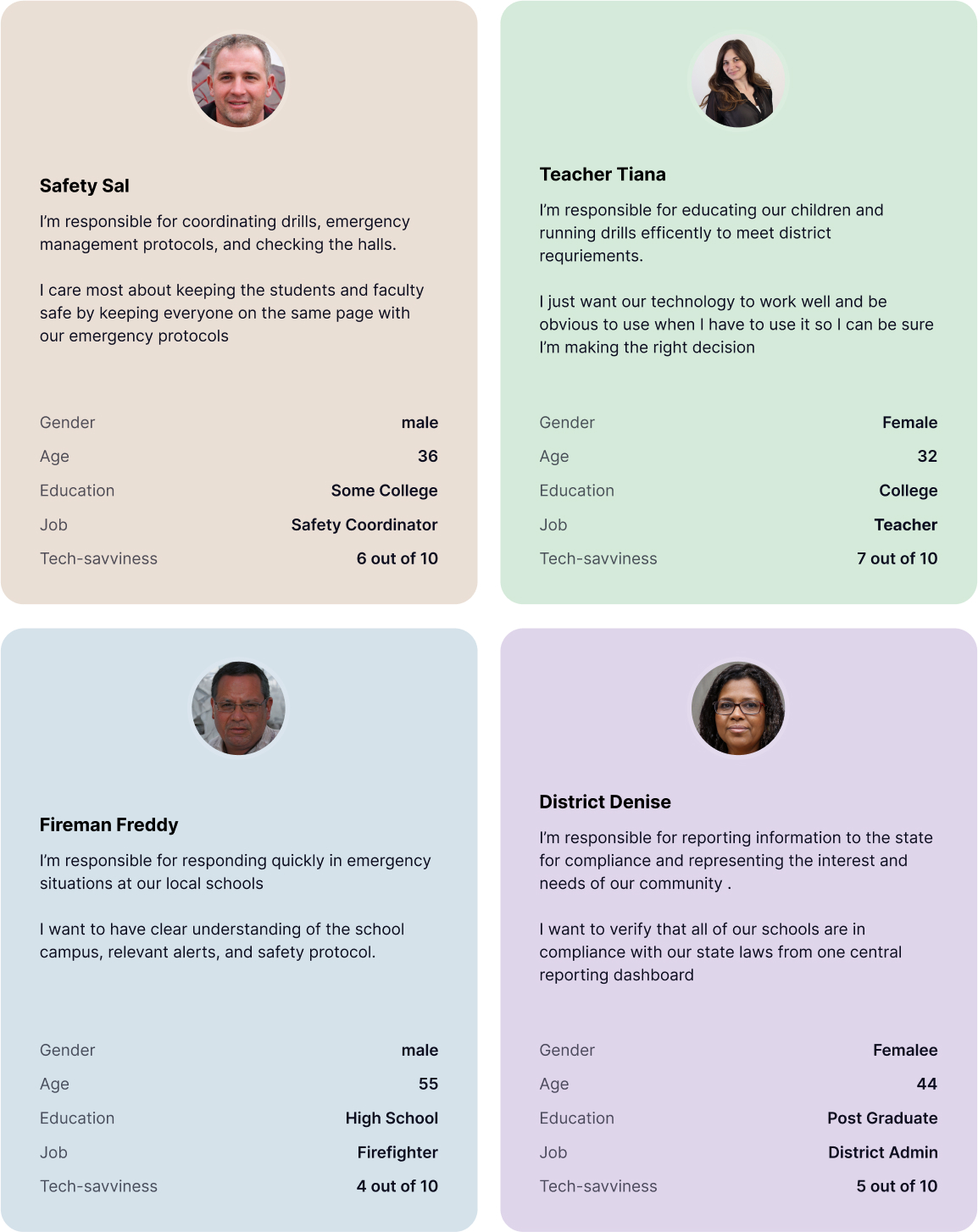
Personas Definition
Having an understanding for the type of people using our application was essential as we considered the priorities and needs for each individual.
Design Sprint Workshop
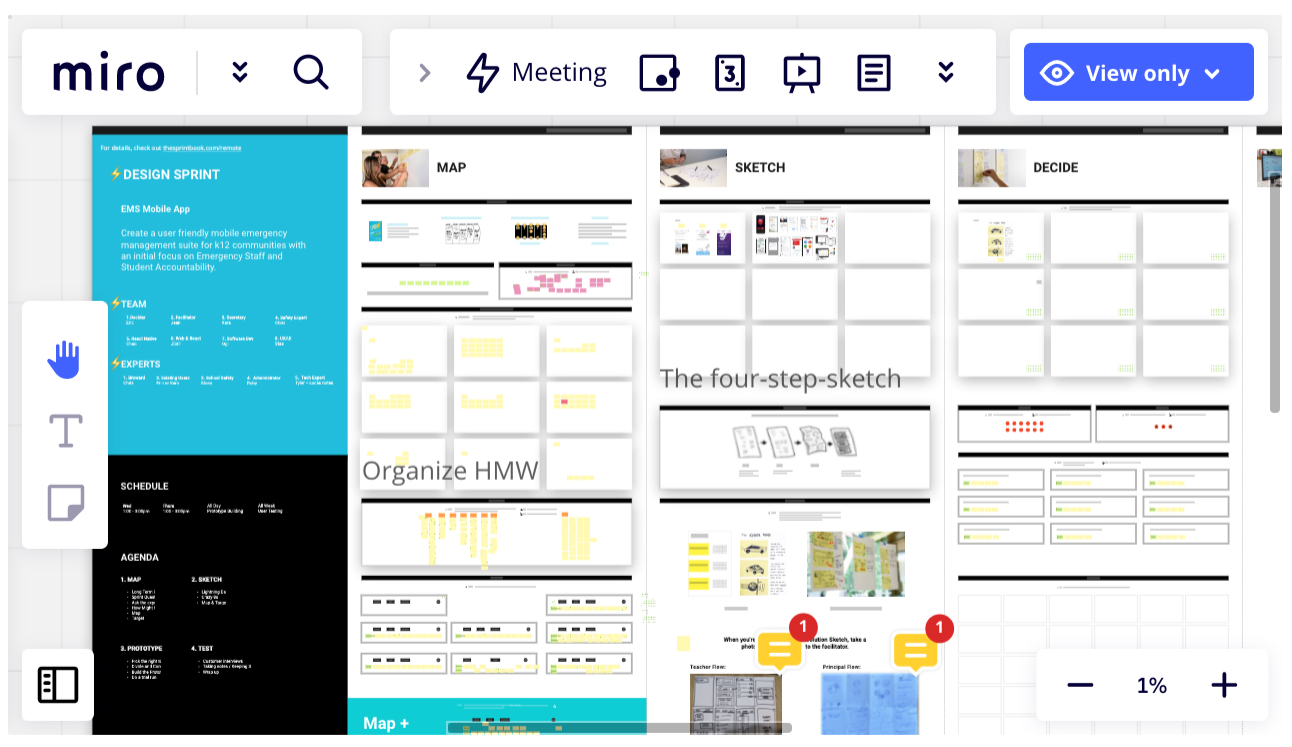
We then set out on our design sprint workshop to define how we might accomplish, prioritize and envision these features coming to life in a product development lifecycle.
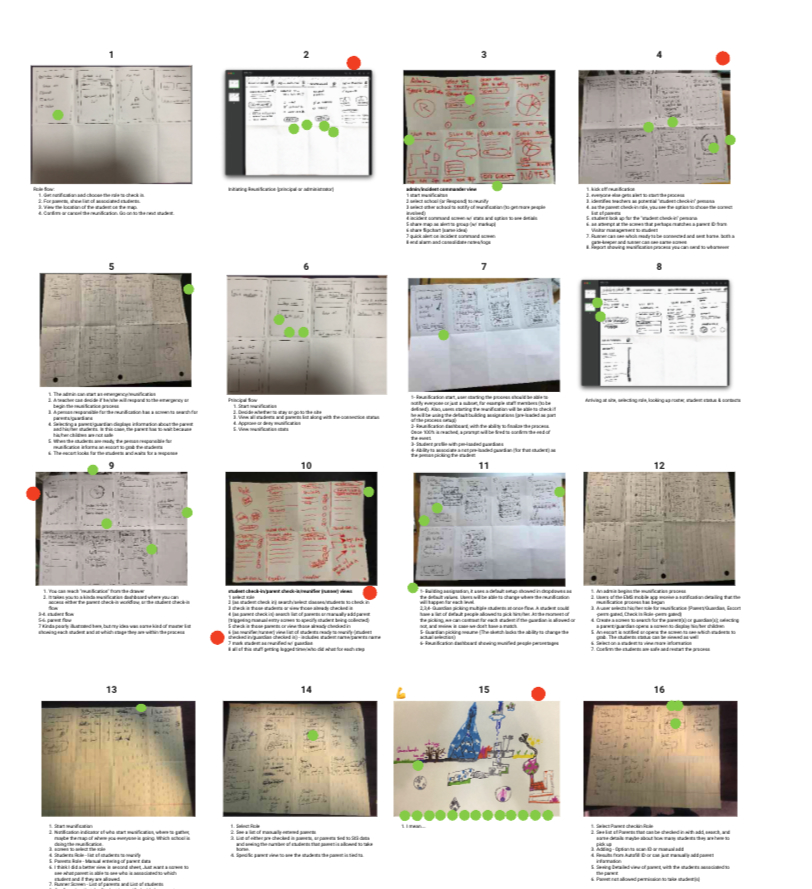
Sketching, Voting, Prototyping
We mapped out "how might we's", prioritized features, discussed timelines, sketched out solutions, voted on feature ideas and ultimately refined our featureset for our MVP prototype that we would test with users.
User Testing
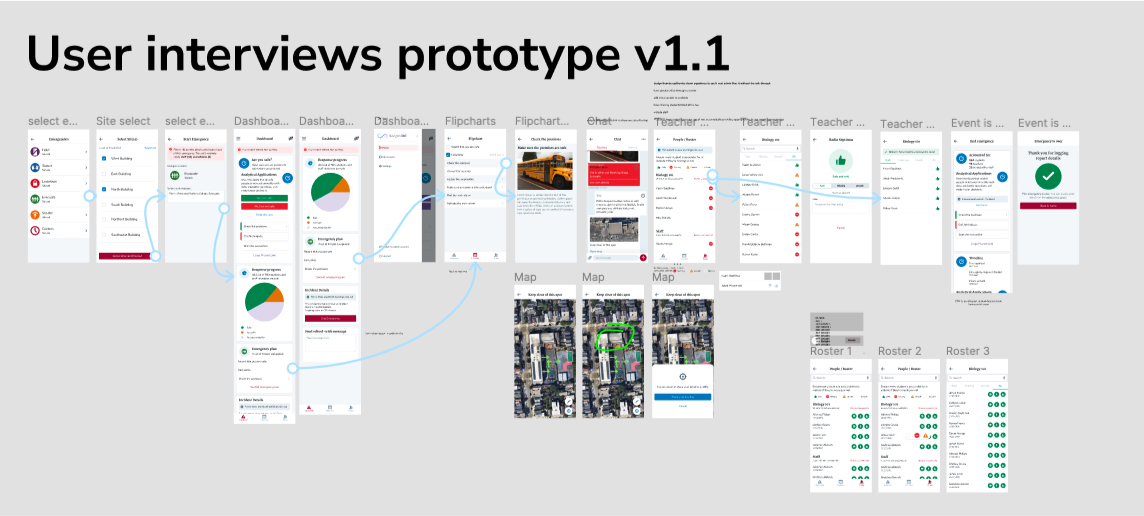
Design Sprint MVP Tests - Based on the resulting wireframes and flow of the design sprint came a prototype. This was then validated as an MVP and released to the development team.
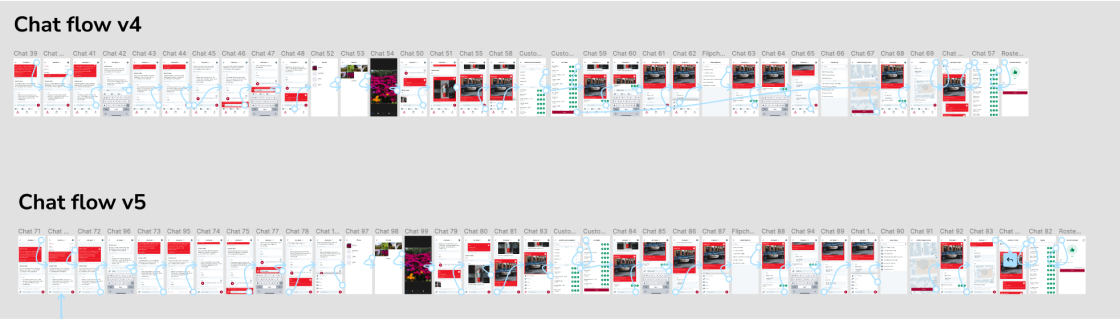
Ongoing user tests - Before the MVP was even deployed, design began on the next feature decided based on the next most important features requested from the survey and/or business requirements. User testing would be done on each of the features before development handoff.
Highlights & Findings
Prototypes were developed for each feature and iterations were done based on user testing results. 20+ hours worth of qualitative feedback and user testing sessions helped us refine our redesign.
Design
UX Cabin created designs to help Navigate360 EMS stand out as the simplest, easiest to use, and most feature rich emergency management platform.
Principles
- Surfacing right info to right people
- Make workflow next steps obvious
- Empower the user during emergencies
Final Designs
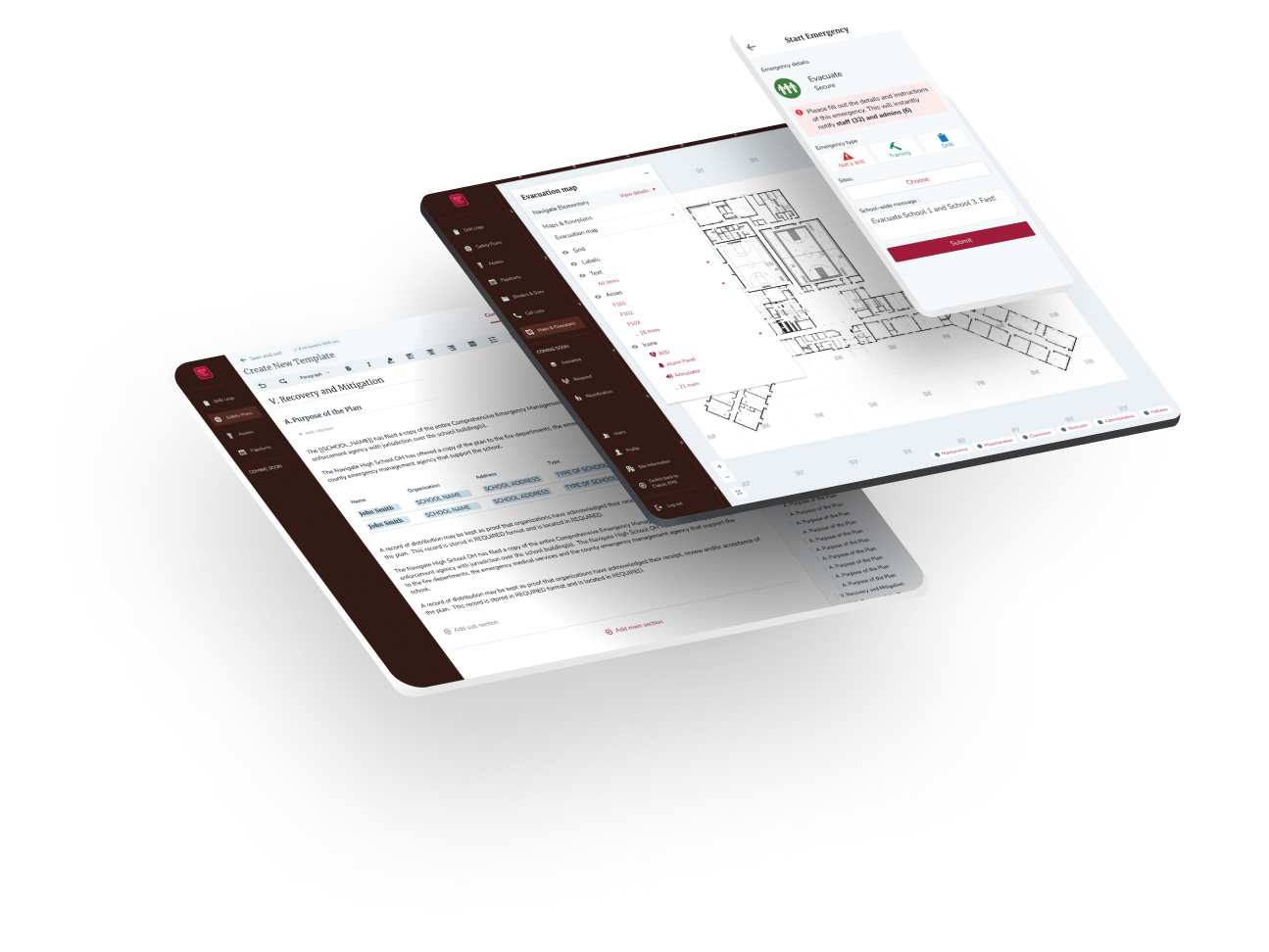
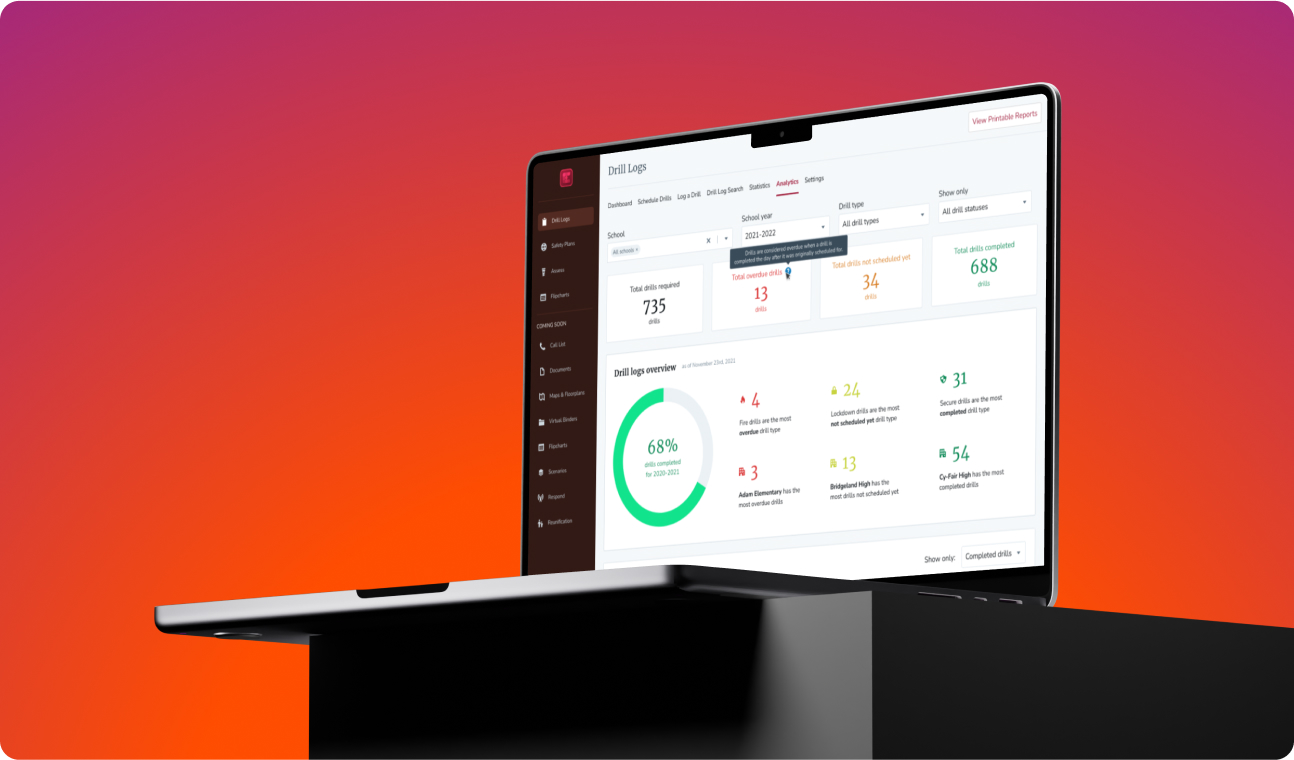
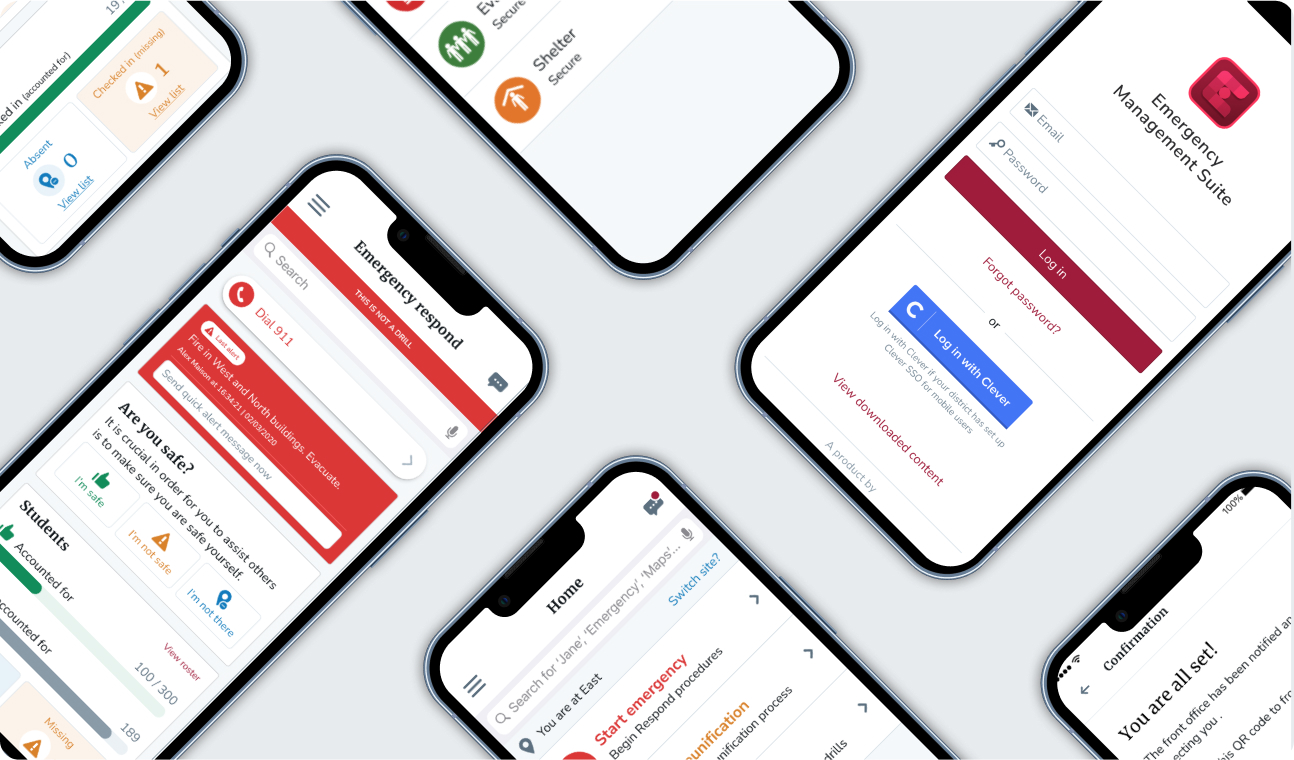
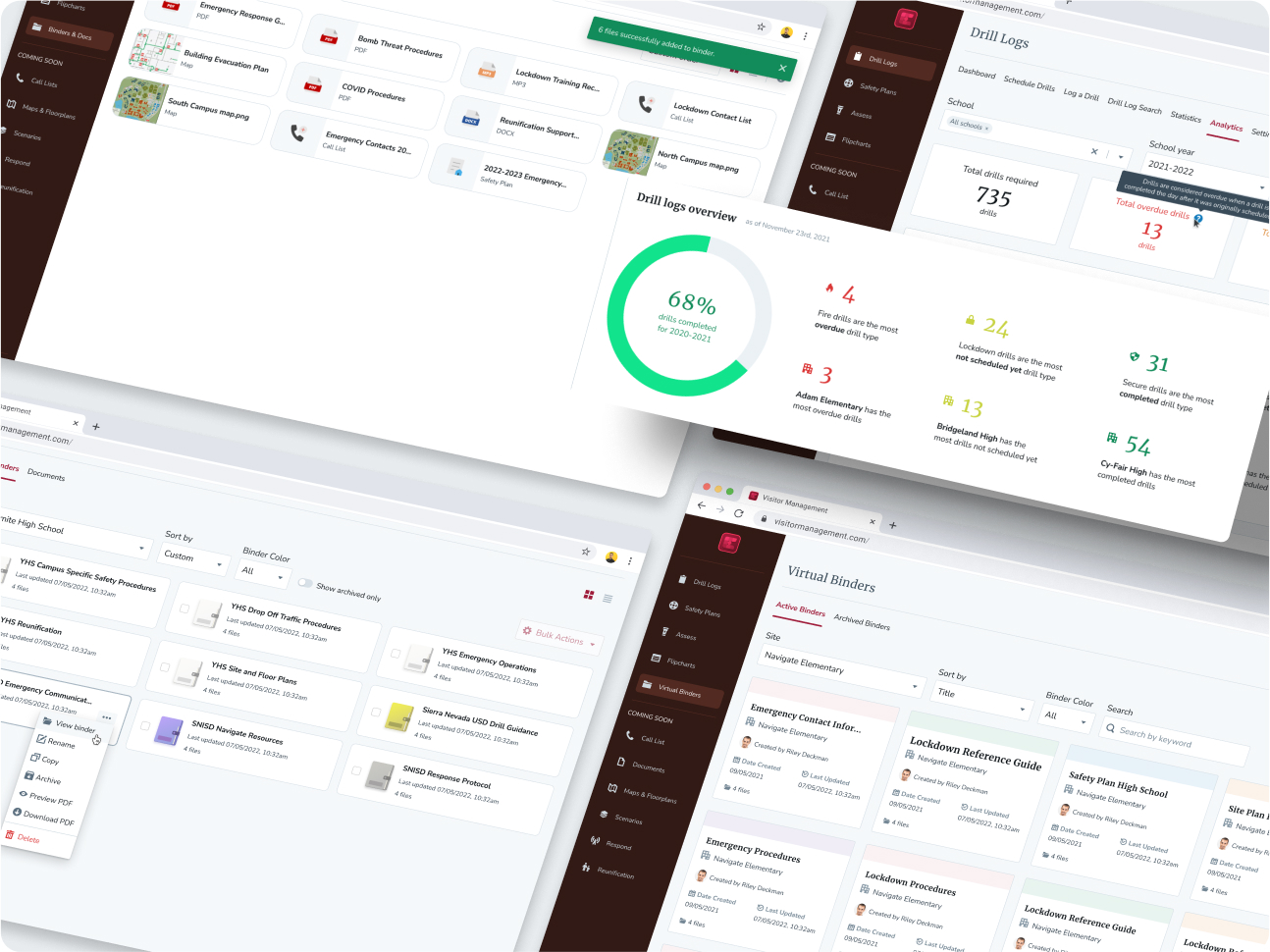
Once workflows were validated we completed final designs for the app focusing on simplicity and a modern aesthetic to set EMS apart from other, older competitors.
Design System
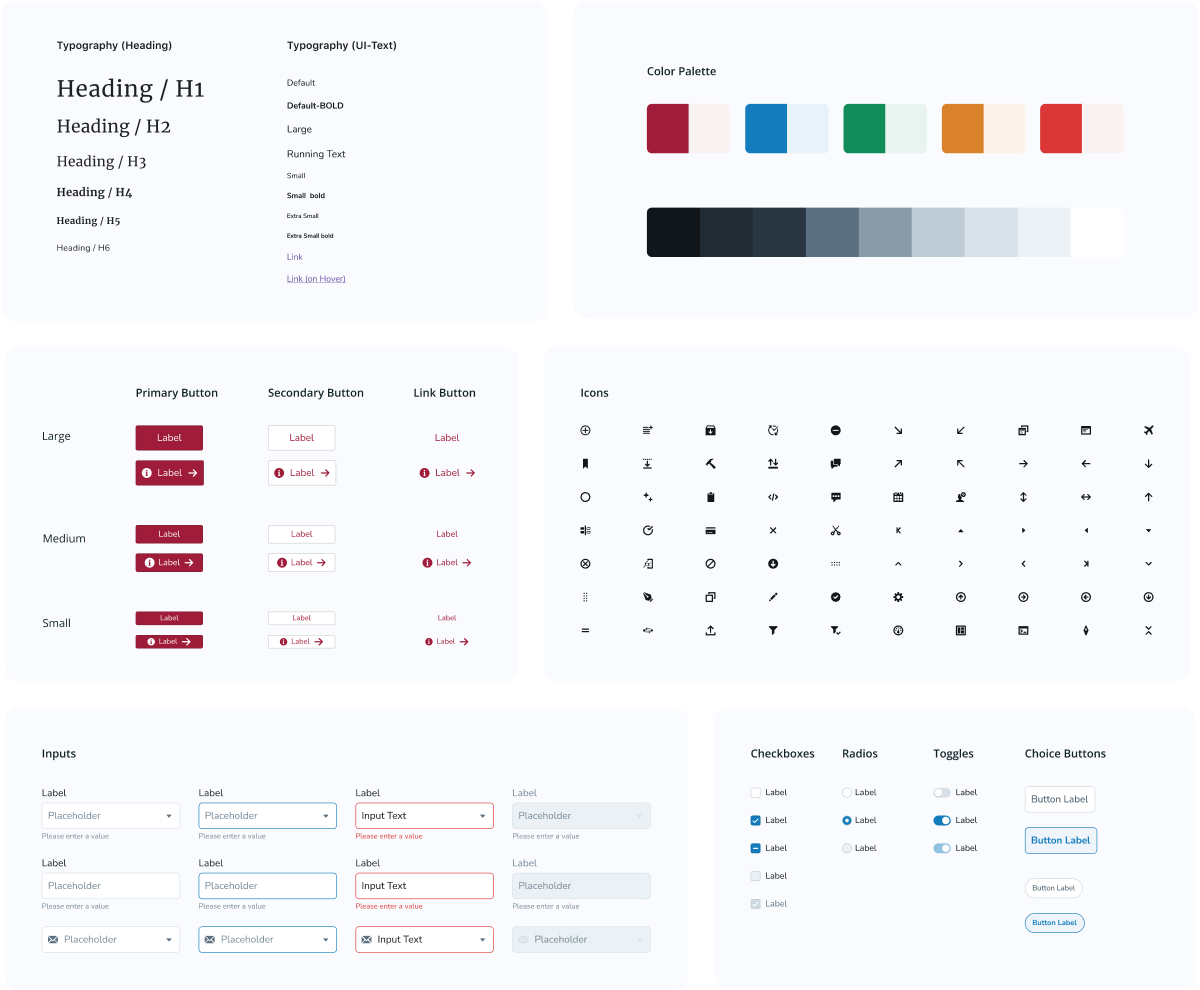
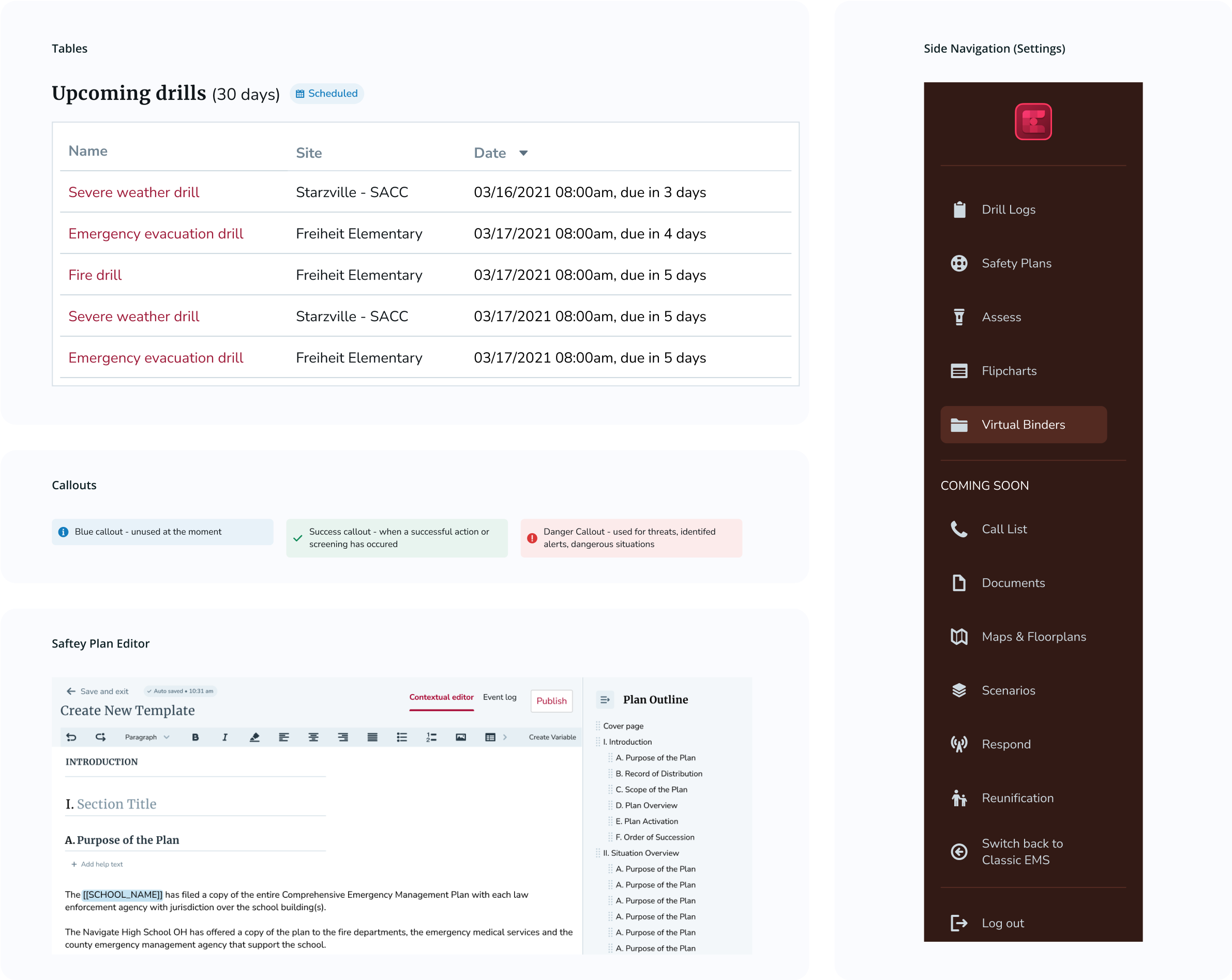
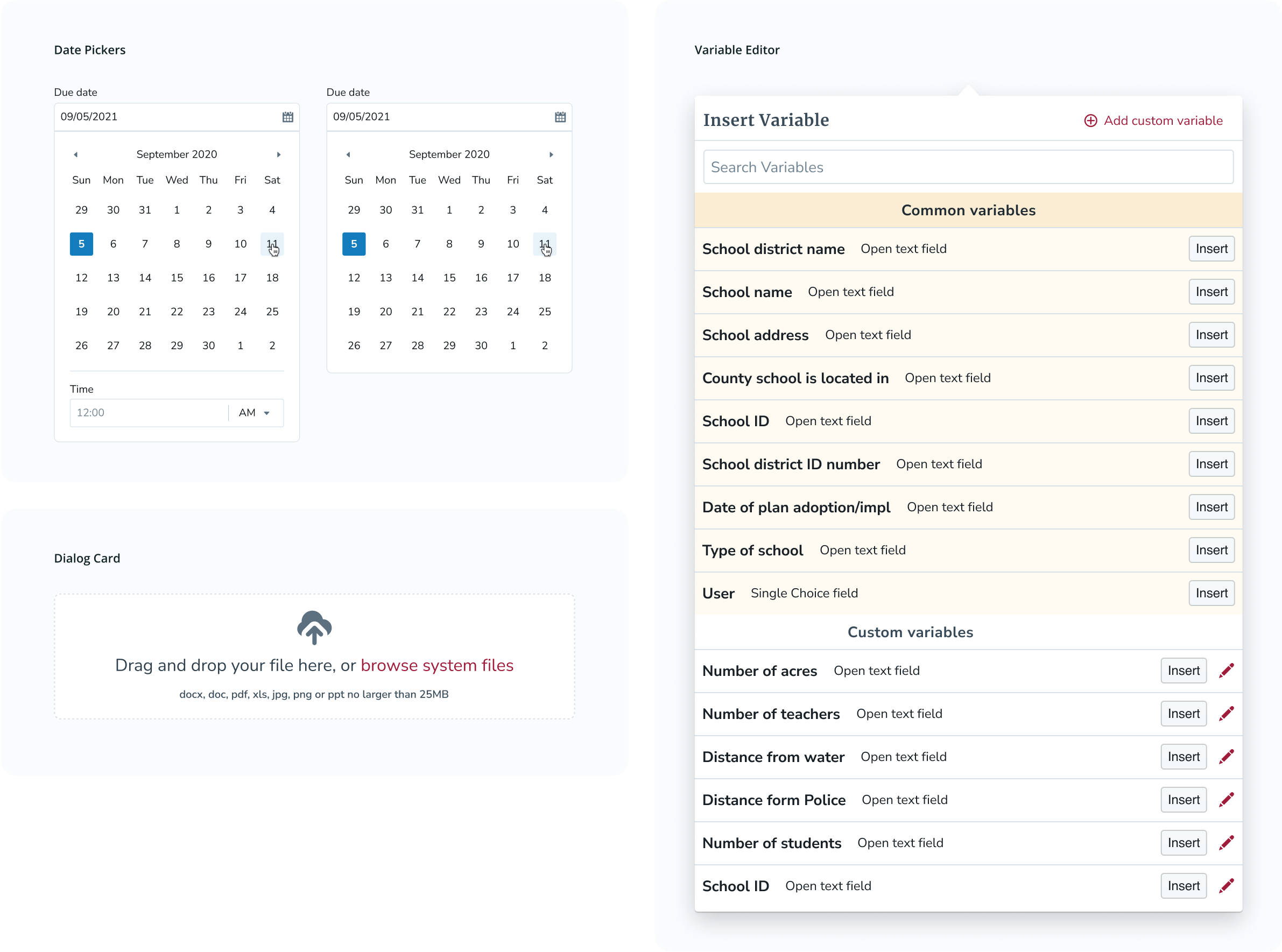
A design system was created from scratch and built to be extensible and used for all future Navigate360 products.
Atomic Design
The Design System was created with Brad Frost's "Atomic Design" philosophy. In this model, the smallest UI elements are referred to as "atoms" (ie, icons, labels) and are assembled together in order to create components referred to as "molecules" (ie, buttons, inputs). Molecules are put together in order to create more complex components called "organisms" (ie, cards).
Principles
- Multi-product scalability
- Theming based on product
- Front-end led from blueprints.js
- Flexible enough to fit different scenarios
- Specific enough to be useful
User Testing
UX Cabin leveraged both live audited user tests and self-directed user tests through Maze to refine the design.
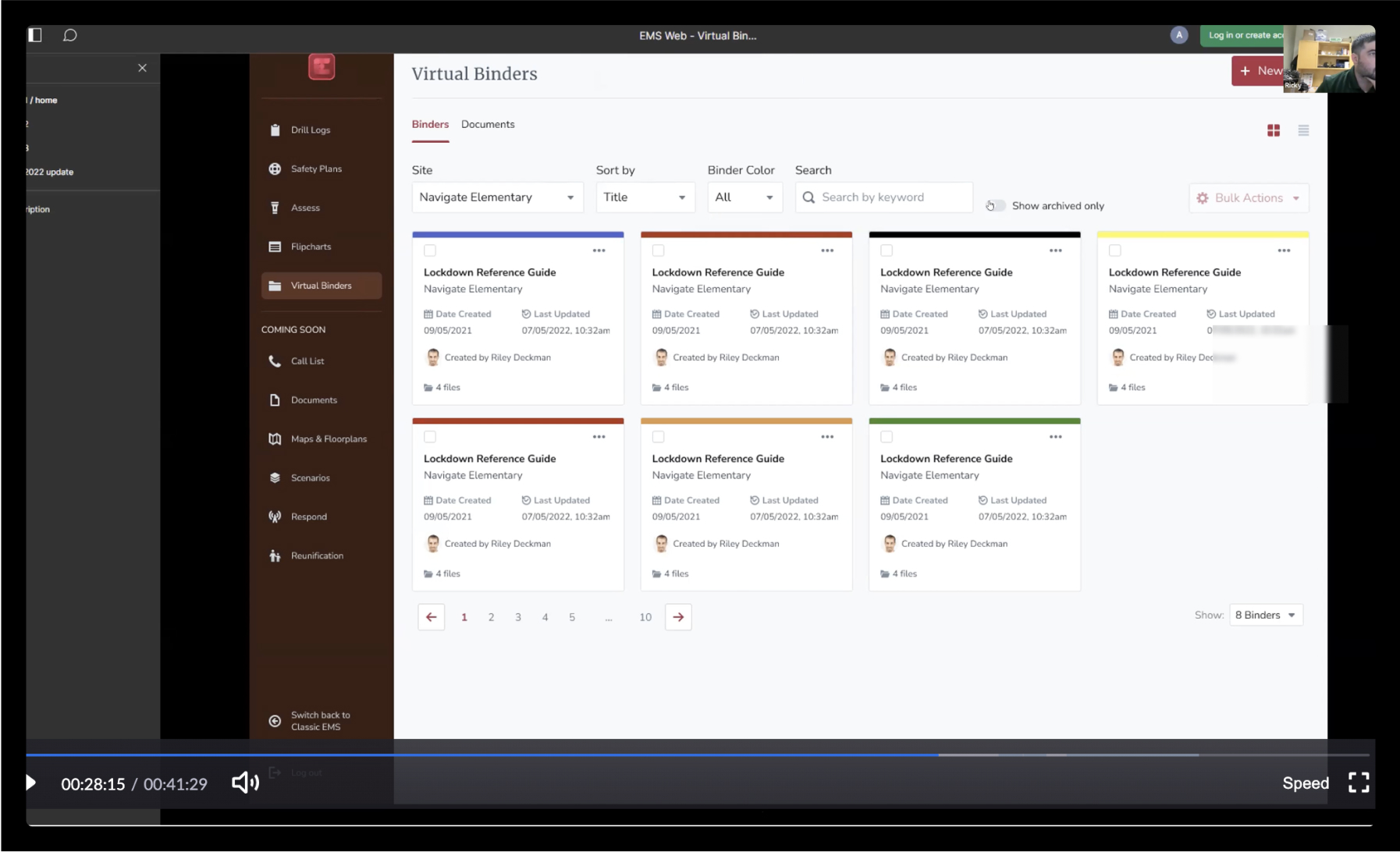
Moderated User Tests
When we needed context beyond just clicks we conducted live users tests. This allowed us to understand user needs and intent in real time and ensure our designs were solving the right problem.
Unmoderated User Tests With Maze
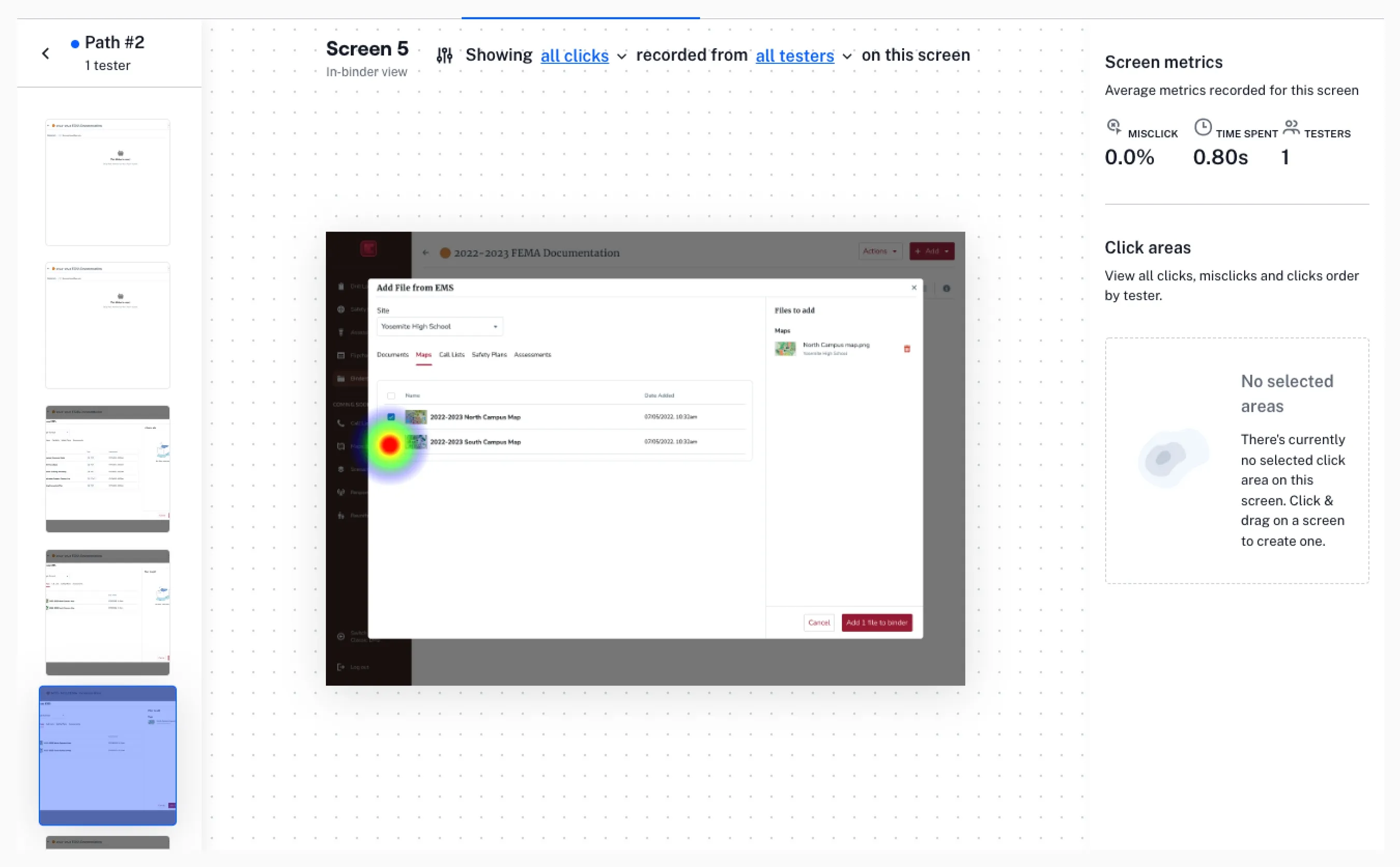
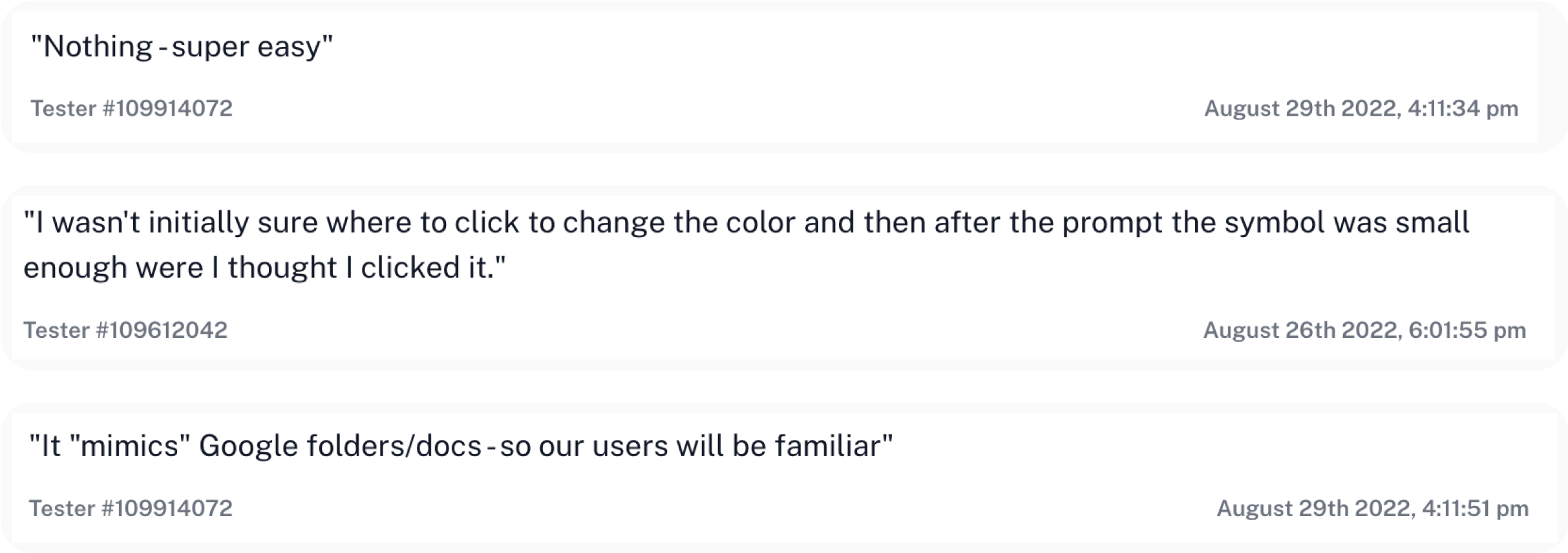
When design questions centered more around making a complex flow simple enough to be understood we leveraged the user testing platform Maze for quick feedback about each of the designs.
Front-End Development
UX Cabin supported the internal development team by leading the front-end and React Native development process.
Web App
UX Cabin joined forces with Navigate360 from the beginning of development on the app including determining the tech frameworks to implement and executing that implementation. Technologies used include React, Redux, and Blueprint.js.
Mobile App
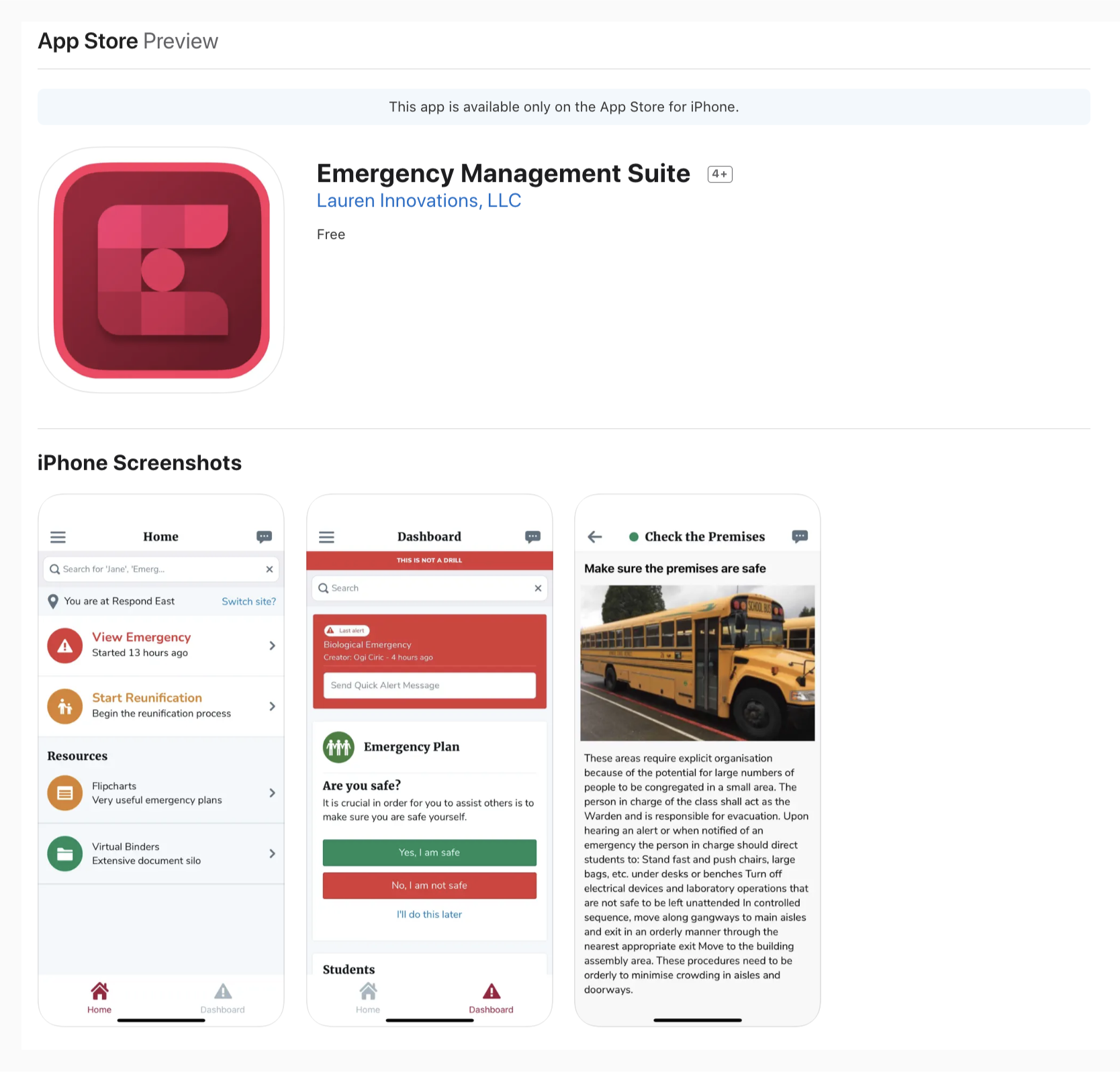
We also worked with Navigate360 to build a mobile companion app to the EMS web application. Apps were built using the React Native framework.
Final Results
UX Cabin helped Navigate360 successfully redesign and replatform their Emergency Management Suite across web and mobile, delivering a modern, user-centered product backed by extensive research and testing.